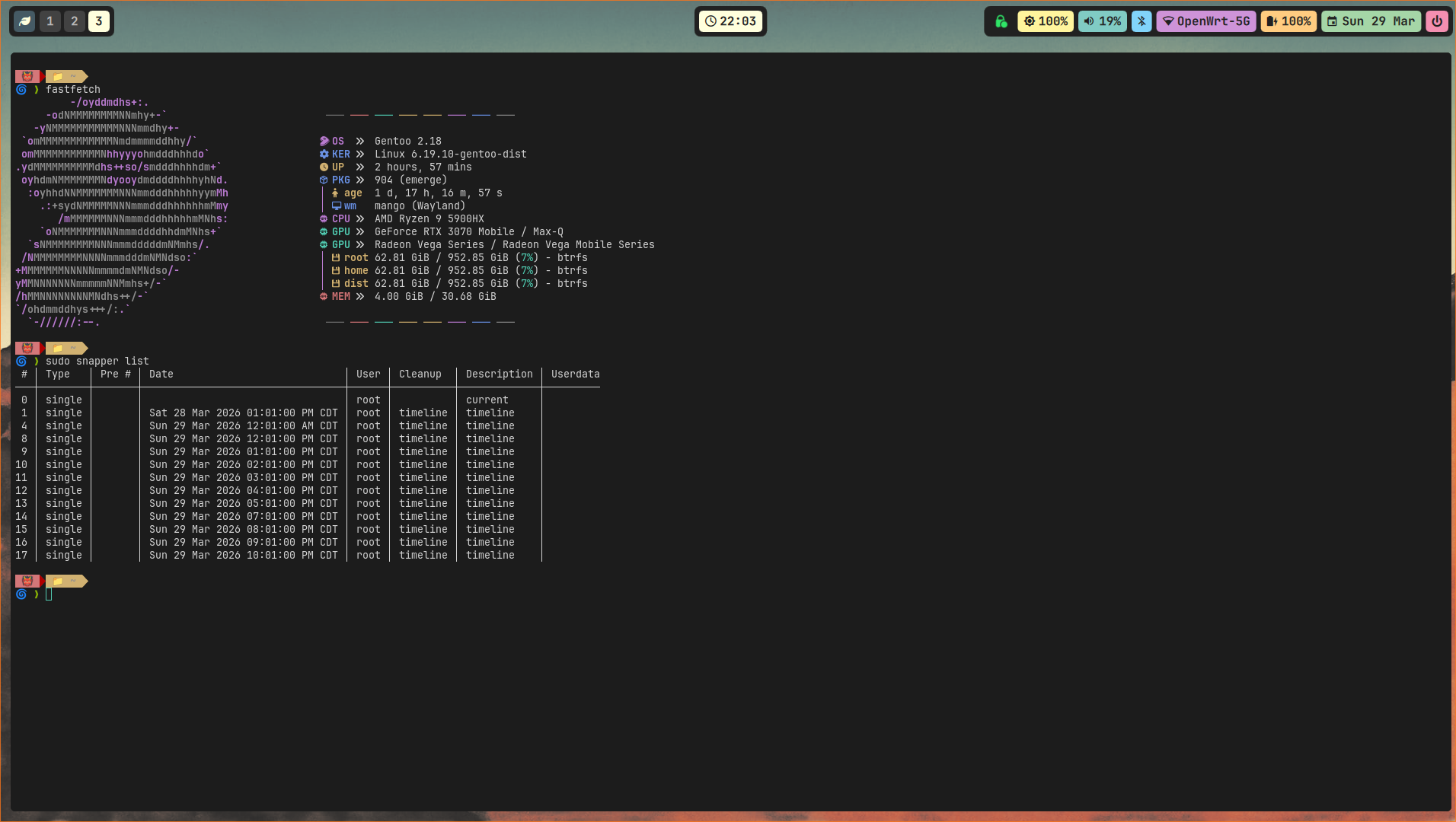
Backup Your Gentoo System With Snapper.

Snapper is a snapshot management tool for Linux that enables users to create, compare, and restore point-in-time snapshots of file systems. It is primarily used with Btrfs and thin-provisioned LVM volumes, leveraging copy-on-write technology for efficient, low-overhead snapshots.
It is commonly used for:
- System rollback: Revert unwanted changes from package updates or configuration errors.
- Data recovery: Restore individual files or directories from a previous state.
- Automated snapshots: Create timelines (hourly, daily) or pre/post system change snapshots (e.g., before and after a package installation).
This guide provides a simple process of creating timely snapshots of our Gentoo System with rollbacks in case of any failure.
Now let's emerge the snapper package as:
emerge app-backup/snapper
Next is make sure any existing/.snapshots are unmounted by executing these commands:
umount /.snapshots

rmdir /.snapshots
Create the snapper configuration files by executing this:
snapper -c root create-config /

mkdir /.snapshots
mount /.snapshots
At this stage, snapper is configured on our Gentoo System with the default configurations. If you're on Openrc init system, you will need cronie to do the automated job for you.
emerge --ask sys-process/cronie
rc-update add cronie default
rc-service cronie start