Kali Linux Desktop on the Browser With Docker

Do you know you can spin Kali Linux Desktop on the browser with docker? The answer is a big yes! Simply follow this guide to set it up without spending money on the cloud to spin it up. You will however need a working docker environment and you can check this bookmark below to get it done.
 Nana Oware
Next is to clone this repository as:
git clone https://github.com/csalab-id/kalilinux-docker.gitNavigate to the repository directory:
cd kalilinux-docker
Pull the required Docker images. This might some time since the image size is quite large depending on your internet connectivity.
docker compose pullSet up custom variables for the environment:
export PASSWORD="mysecretpassword"
export BIND="0.0.0.0:9095"
docker compose up -d
You can change the variables to suit your needs.
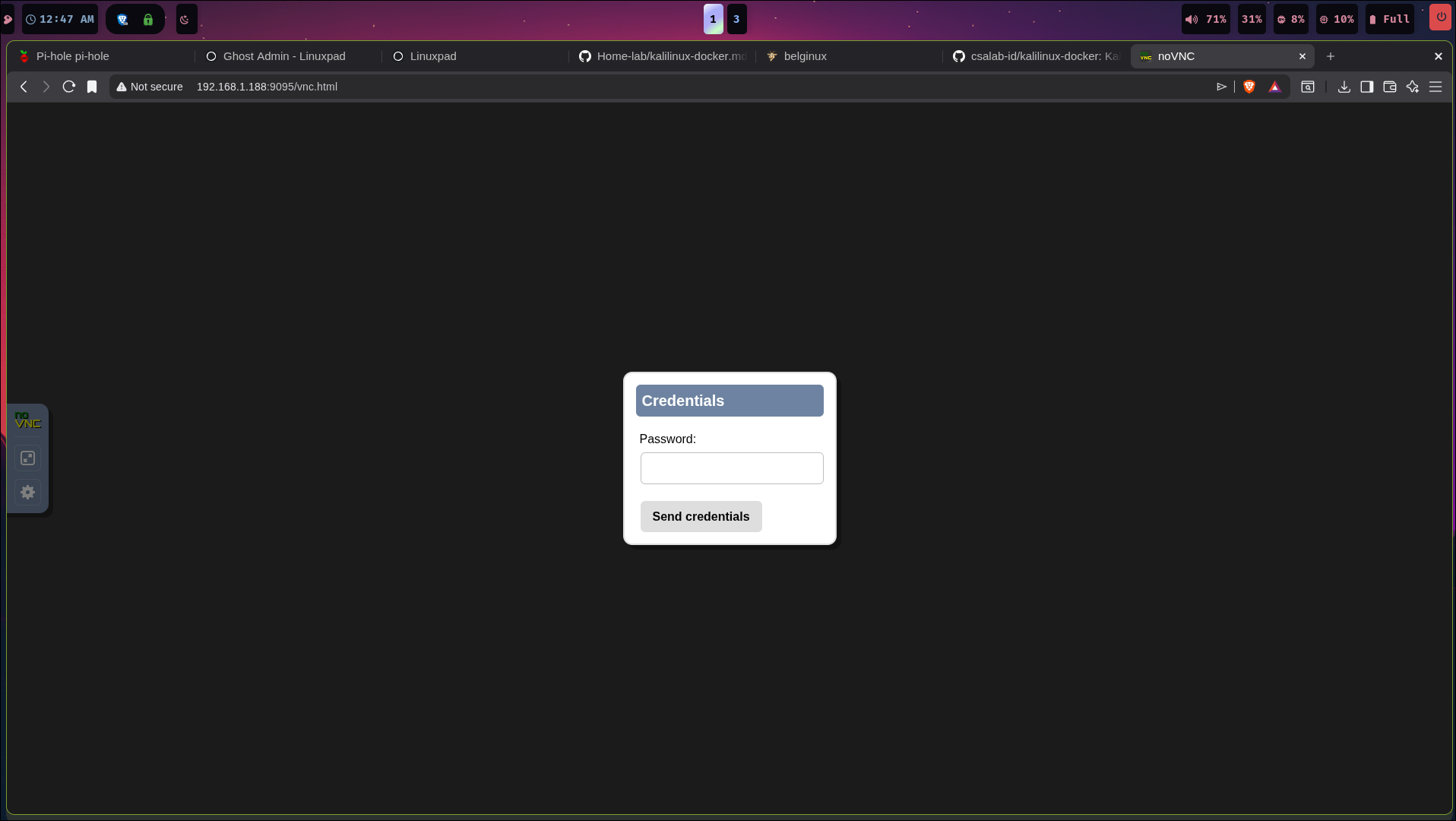
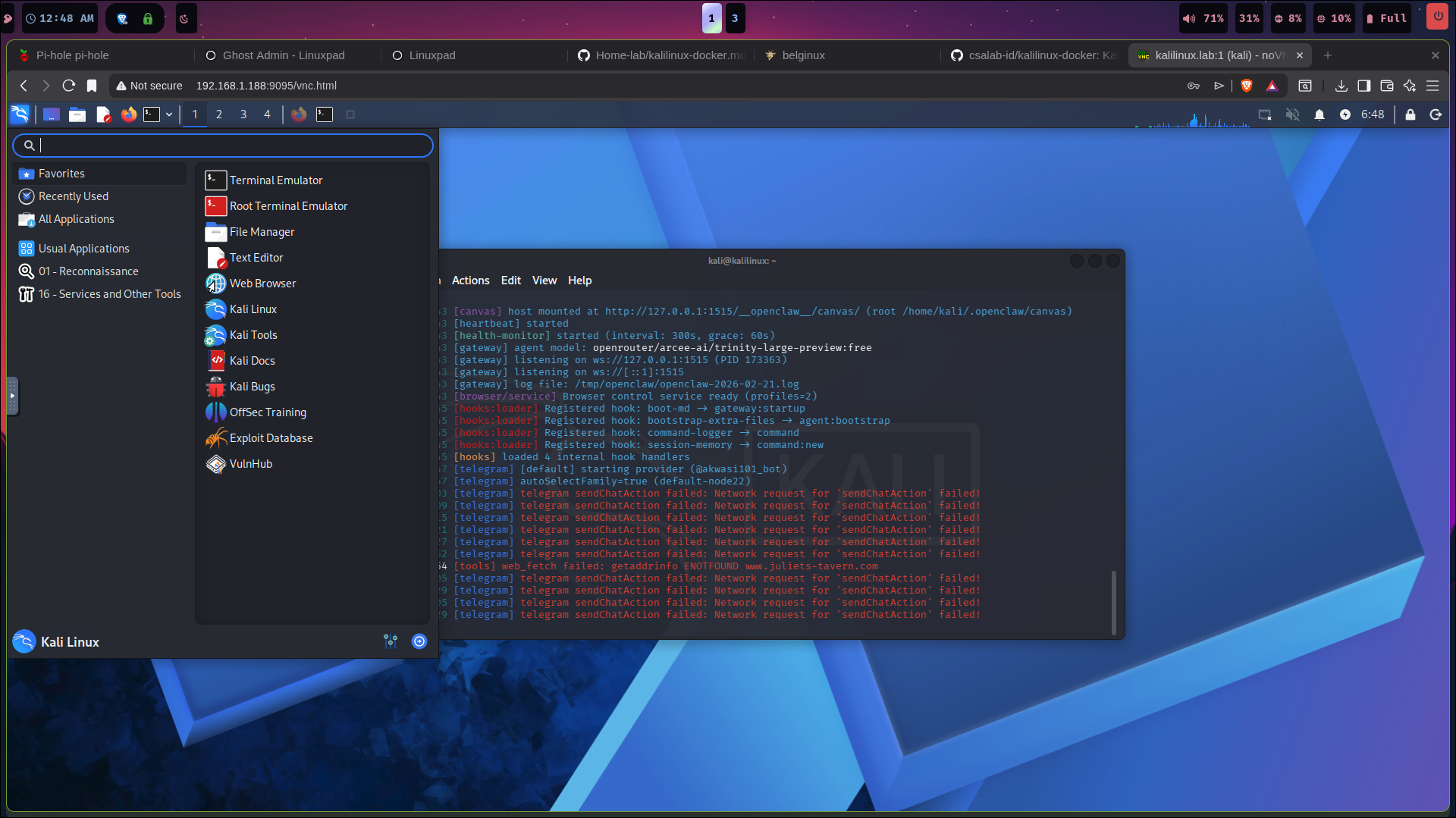
Access the web application at: http://localhost:9095/vnc.html.
This is an efficient way of deploying kali linux tools as a container on your server without the need of a dedicated hardware.