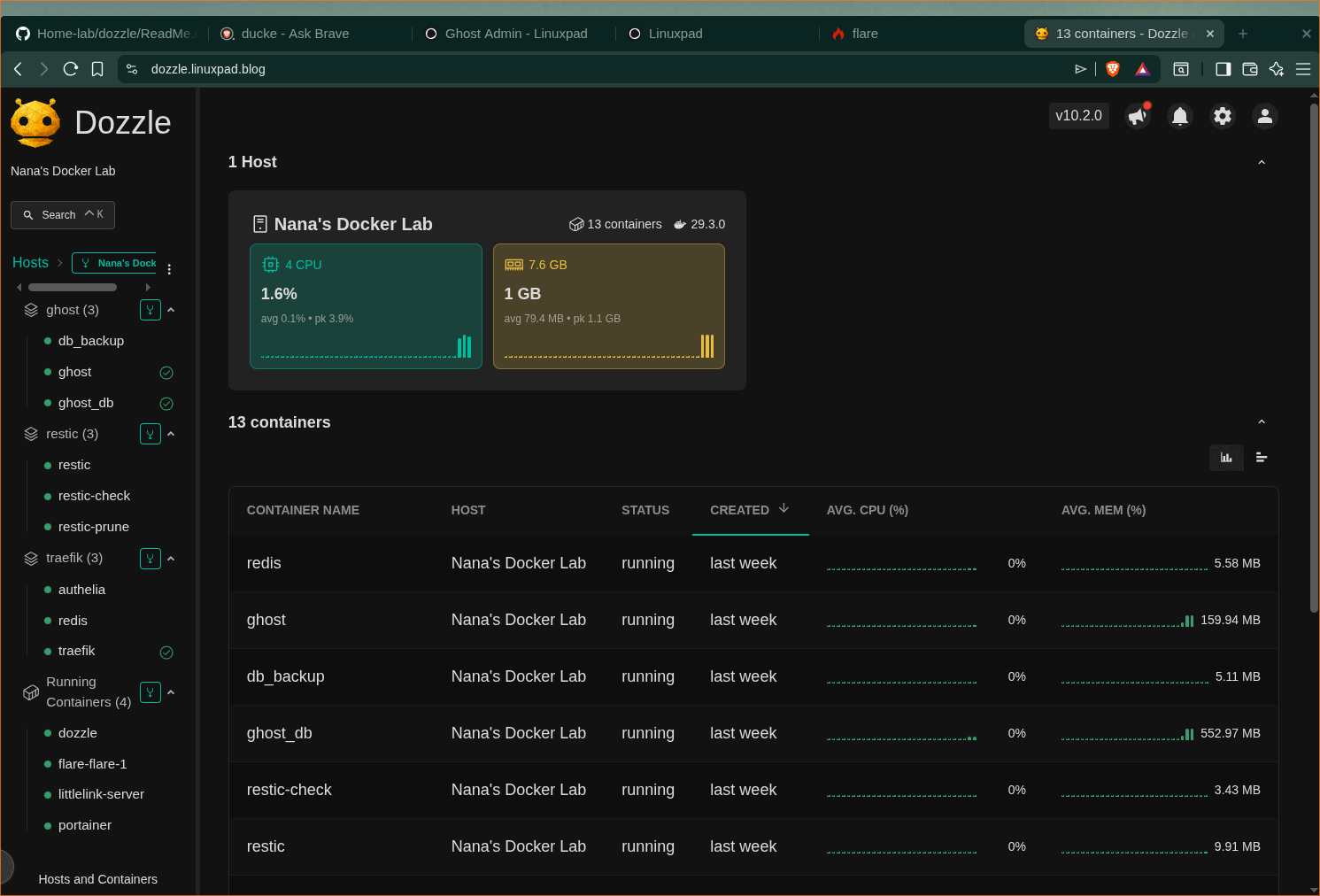
Monitor Docker Containers Logs With Dozzle.

Dozzle is a lightweight, real-time log viewer for Docker containers that runs as a self-hosted web application. It provides a clean, browser-based interface to monitor live logs from Docker, Docker Swarm, and Kubernetes environments without storing log data.
Key features:
- Real-time log streaming from all running containers
- Live CPU and memory usage stats
- Search and filter logs using regex or SQL queries
- Split-screen view for monitoring multiple containers
- Supports Docker, Podman, and Swarm mode
- Lightweight (under 10 MB) with minimal resource usage
- No persistent storage—logs are streamed directly from the Docker socket
This guide assumes you already have a working docker environment with traefik as the reverse proxy setup. If not, check the links below to get it done.
How to Install Docker on Arch Linux: A Step-by-Step Guide
Are you venturing into the world of containerization and looking for an efficient way to deploy applications, Docker is the tool you need. But what’s better than harnessing the power of containerization on a linux distribution that keeps you on the cutting edge? Arch’s rolling release nature ensures
 Nana Oware
Reverse Proxy Server For Your HomeLab
Traefik is a leading modern open source reverse proxy and ingress controller that makes deploying services and APIs easy. Traefik integrates with your existing infrastructure components and configures itself automatically and dynamically. Traefik also supports SSL termination and works with ACME providers (like Let’s Encrypt) for automatic certificate generation.
 Nana Oware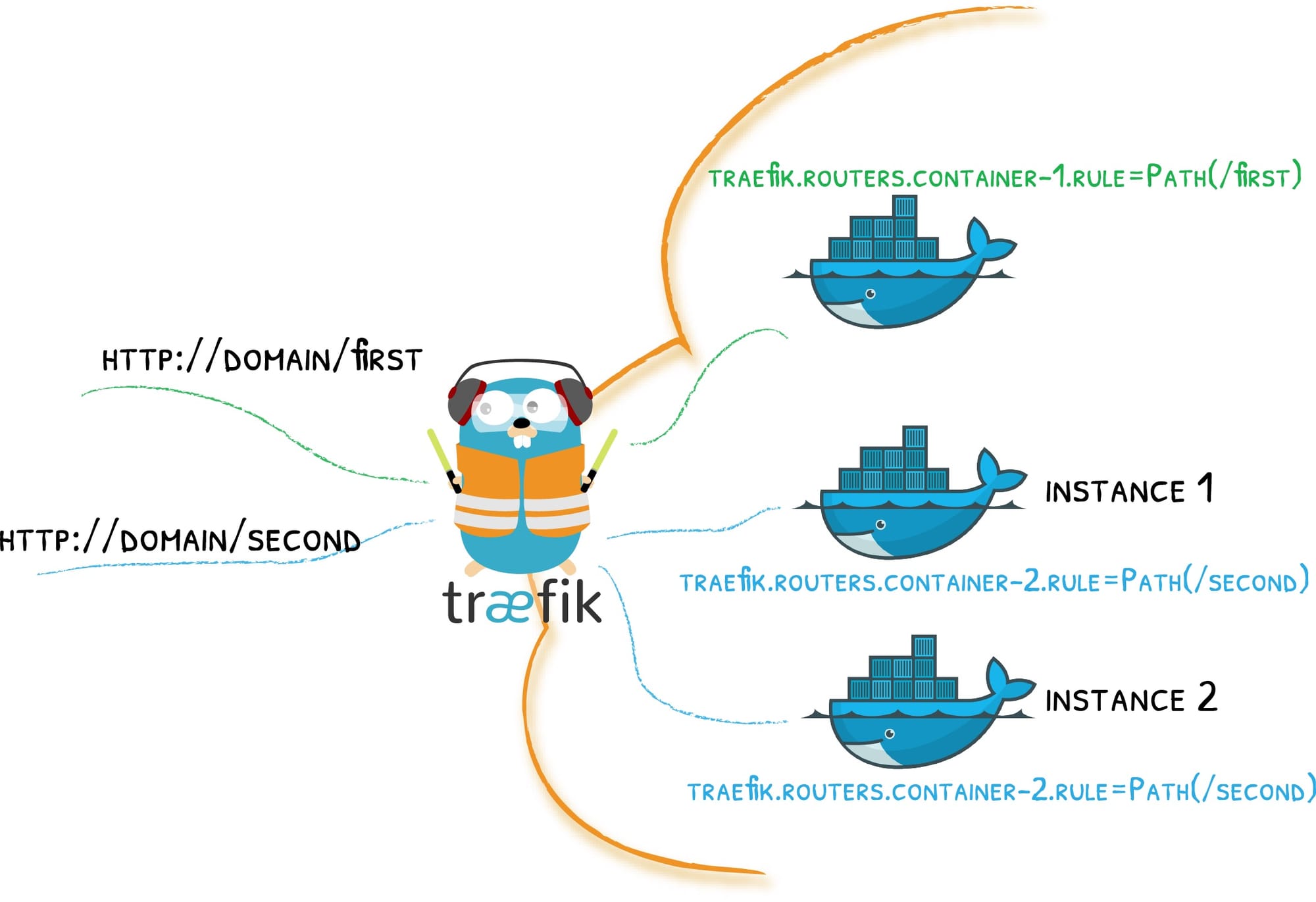
Now create these directories as :
mkdir dozzle

cd dozzle

mkdir dozzle-data
Create the docker-compose.yaml file and copy this code snippet:
services:
  dozzle:
    container_name: dozzle
    image: amir20/dozzle:latest
    environment:
      - DOZZLE_AUTH_PROVIDER=simple
      - DOZZLE_HOSTNAME=Nana's Docker Lab
      - DOZZLE_LEVEL=info
      - DOZZLE_TAILSIZE=300
      - DOZZLE_FILTER="status=running"
      # DOZZLE_FILTER: "label=log_me" # limits logs displayed to containers with this label

    volumes:
      - /var/run/docker.sock:/var/run/docker.sock
      - ./dozzle-data:/data
    networks:
      - traefik
    labels:
      - "traefik.enable=true"
      - "traefik.docker.network=traefik"
      - "traefik.http.routers.dozzle-http.entrypoints=http"
      - "traefik.http.routers.dozzle-http.middlewares=redir-https"
      - "traefik.http.routers.dozzle-http.rule=Host(`dozzle.linuxpad.blog`)"
      - "traefik.http.routers.dozzle-http.service=noop@internal"
      - "traefik.http.routers.dozzle-https.entrypoints=https"
      - "traefik.http.routers.dozzle-https.tls=true"
      - "traefik.http.routers.dozzle-https.middlewares=gzip"
      - "traefik.http.routers.dozzle-https.rule=Host(`dozzle.linuxpad.blog`)"
      - "traefik.http.services.dozzle-backend.loadbalancer.server.scheme=http"
      - "traefik.http.services.dozzle-backend.loadbalancer.server.port=8080"
      - "traefik.http.routers.dozzle-https.middlewares=authelia@docker"


networks:
  traefik:
    name: traefik
    external: true #do not expose external for security risk
Move to the dozzle-data directory and create users.yml file. Paste this code in it:
users:
  admin:
    name: "Admin"
    password: "$2a$12$F4rsMw3HAswxezkgL.pmHuCtzUGnA6255Ji/T71QtVNKFYGfAkpj2"
Create hashed password with sha256
echo -n 'mypass' | sha256sum
Finally, start the container up and enjoy!