•
 by Nana Oware
by Nana Oware
Private Internet Access: Gentoo Setup
Want to use your Private Internet Access App in Gentoo Openrc but do not know how? This is a painless and simple guide to setup your Vpn in minutes using Gentoo or any Openrc init based Linux distribution system.
First, head over to the Private Internet Access downloads page and click on older older Downloads and download the v3.6.0 version. The reason being that as at the writing of this post, such version seems to work flawless with this guide.
Next is go the downloads directory and execute this command as:
bash pia-linux-<version>-<revision>.run -- --skip-serviceCreate the OpenRC Init Script:
sudo nano /etc/init.d/pia-daemon
Now paste this content to the init script we created as pia-daemon:
#!/sbin/openrc-run

name="pia-daemon"
description="Private Internet Access Daemon"

command="/opt/piavpn/bin/pia-daemon"
command_background=true
pidfile="/run/${name}.pid"
directory="/opt/piavpn"
user="pia"
group="pia"

want net
depend() {
    after firewall
    after dns
    after logger
    need localmount
    need sysfs
    need devfs
}

start_pre() {
    if [ ! -d "/run/pia-daemon" ]; then
        mkdir -p /run/pia-daemon
        chown pia:pia /run/pia-daemon
    fi
    return 0
}
Make it executable:
sudo chmod +x /etc/init.d/pia-daemon
5. Enable the Service at Boot
sudo rc-update add pia-daemon default
6. Start the Daemon:
sudo rc-service pia-daemon start
sudo rc-service pia-daemon status
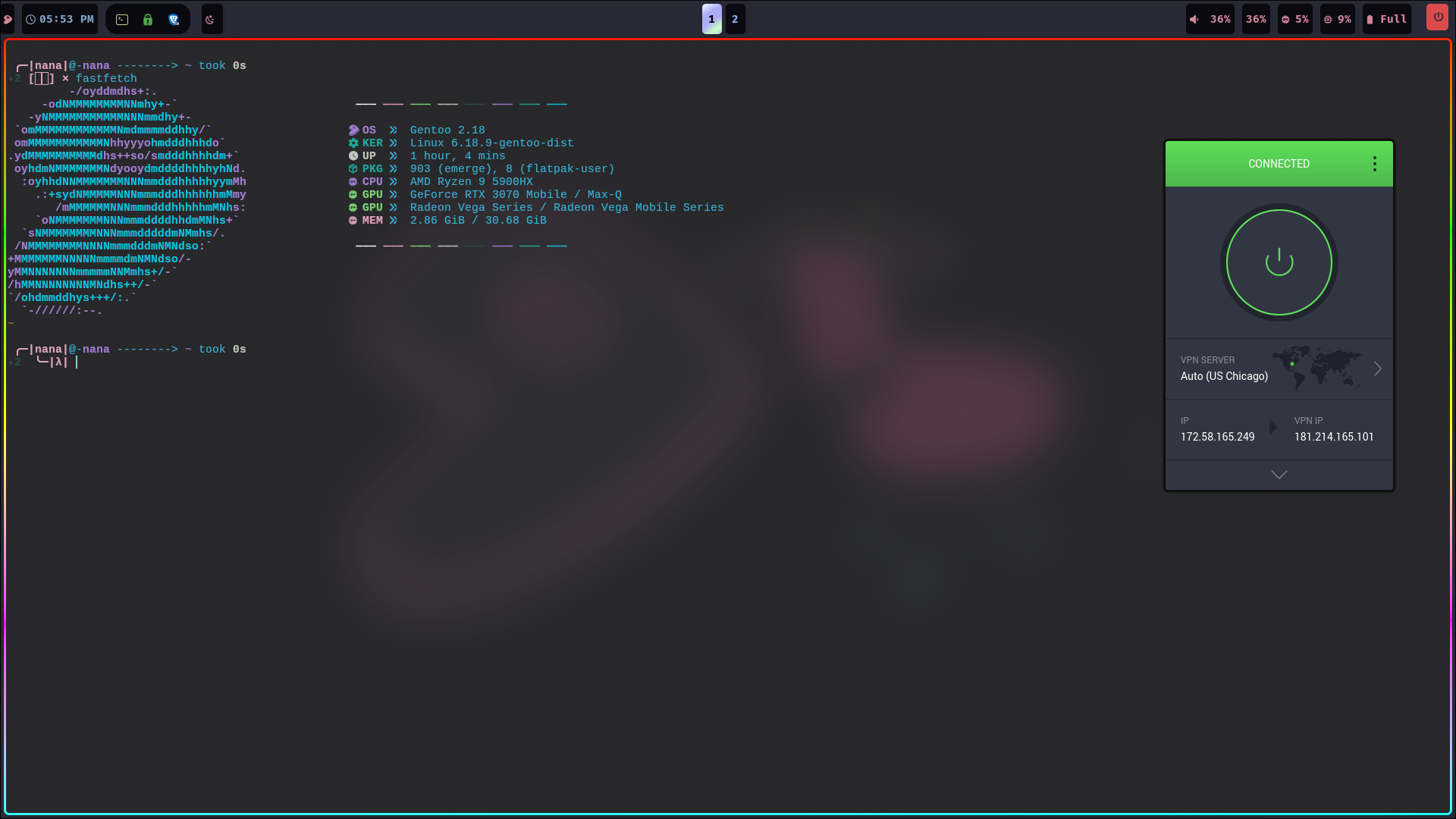
That's it! You should now see your Private Internet Access App in your app.