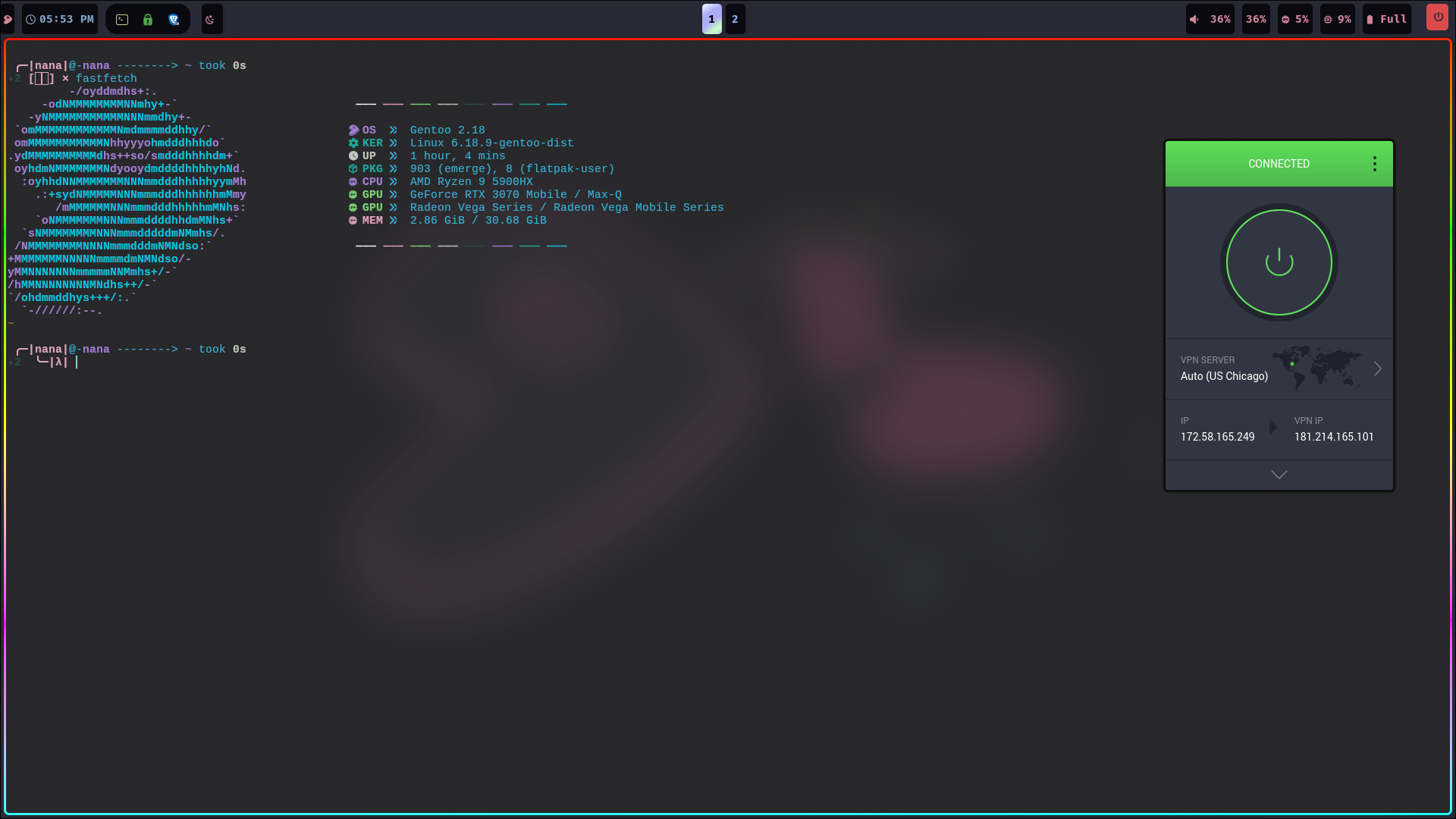
Using Private Internet Access VPN with Gentoo Linux

This is a short note about how to connect to the PIA VPN from a Gentoo Linux system with Openrc init. It’s not that difficult, but there’s no built-in support, either from Gentoo or from PIA. In fact, the PIA proprietary software installer warns that the host isn’t compatible. Still, the proprietary installer does work, with a bit of fiddling.
First head over to the PIA downloads page and get this version which works really well as at the writing of this guide. Simply change to the downloads folder ad run this command:
bash pia-linux-<version>-<revision>.run -- --skip-serviceNext is to create the Openrc startup script usually located at /etc/init.d as:
Create the OpenRC Init Script:
sudo nano /etc/init.d/pia-daemon
Paste the following content:
#!/sbin/openrc-run

name="pia-daemon"
description="Private Internet Access Daemon"

command="/opt/piavpn/bin/pia-daemon"
command_background=true
pidfile="/run/${name}.pid"
directory="/opt/piavpn"
user="pia"
group="pia"

want net
depend() {
    after firewall
    after dns
    after logger
    need localmount
    need sysfs
    need devfs
}

start_pre() {
    if [ ! -d "/run/pia-daemon" ]; then
        mkdir -p /run/pia-daemon
        chown pia:pia /run/pia-daemon
    fi
    return 0
}
Make it executable:
sudo chmod +x /etc/init.d/pia-daemon
Ensure Required Dependencies Are Installed
PIA requires libgssapi_krb5.so.2. Install MIT Kerberos:
sudo emerge --ask app-crypt/mit-krb5
5. Enable the Service at Boot
sudo rc-update add pia-daemon default
6. Start the Daemon:
sudo rc-service pia-daemon start
sudo rc-service pia-daemon status